
When you have an MYOB subscription, the sign in page is the first thing you'll see whenever you try to access your MYOB business via app.myob.com. Not yet subscribed? Head to myob.com to see what's on offer.
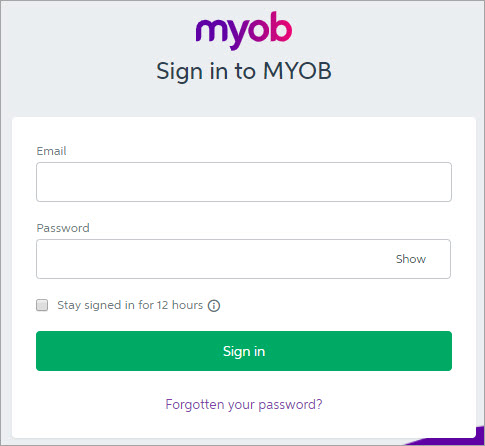
Sign in to your MYOB account using your email and password. If you've forgotten your password (who hasn't?), click the link on the sign in page to have it reset.
Need to stay signed in?
Tick Stay signed in for 12 hours. When using that device, you won’t be asked to sign in to your MYOB account for 12 hours. After 12 hours, you will need to re-enter your email address and password. This option isn't recommended if other people use this device.
Two-factor authentication
After signing in with your email address and password, you might also be prompted to enter a verification code. This is part of two-factor authentication to protect your online data.

Don't want to enter a code every time? Choose the Trust this device for 30 days option.
Logging out of MYOB
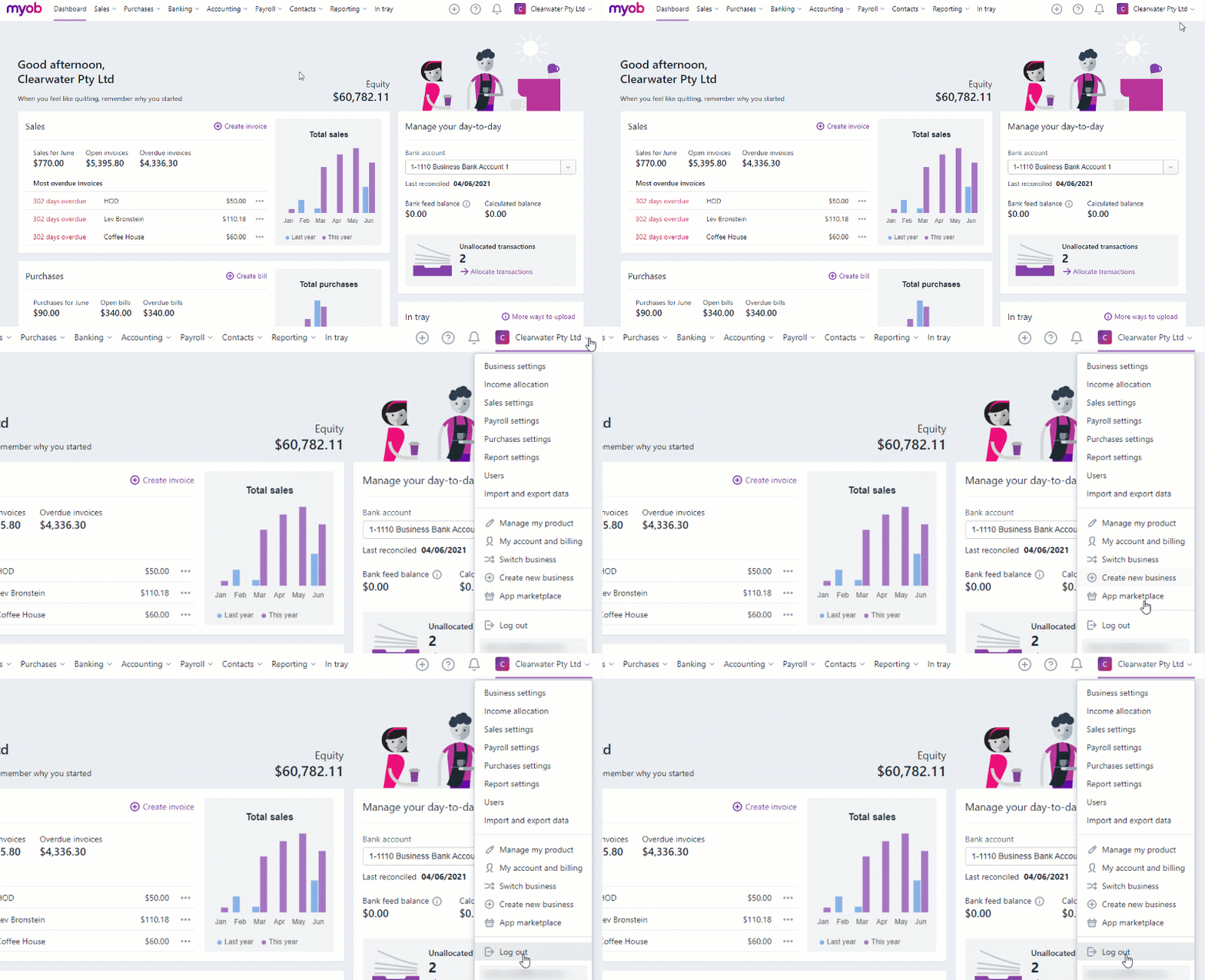
When you're done for the day, or any time you want to log out, just click your business name and choose Log out.
Comments
0 comments
Please sign in to leave a comment.