
If you have Administrator access in MYOB, you can invite anyone who you'd like to sign in to your MYOB business. If you need a hand with your books, you can also Invite your accountant or bookkeeper.
All users you've invited to access your MYOB business can do so at the same time, and there's no limit to how many users you can invite.
Watch this video to see how to invite a user to your MYOB business:
To create a user
- Sign in to your MYOB business as an administrator.
- Click your business name and choose Users to display a list of all users.
- Click Create user to open the Create user page.
-
Enter the user’s Name and Email.
- In the Access section:
- Select the access you want to give the user. Learn about access levels
-
Choose the User Type, which determines which businesses the user can access:
- File user – can only access the current business
-
Online admin — can access all businesses with this serial number.
Only the owner can make a user an Online admin. The owner is usually the person who set up the subscription.
- Click Save and send invitation. The user is added to the list on the Users page, with the status of Invited .
- For all File User user types, an email is sent to the user giving them the option to:
- accept the invitation by creating a new user login,
- accept the invitation by using an existing user login, or
-
decline the invitation.
Online admin user types don't receive this email and don't need to accept an invitation to access a file.
- To set up another user, repeat from step 3.
Resend or cancel an invitation
You can do this straight from the Users page.
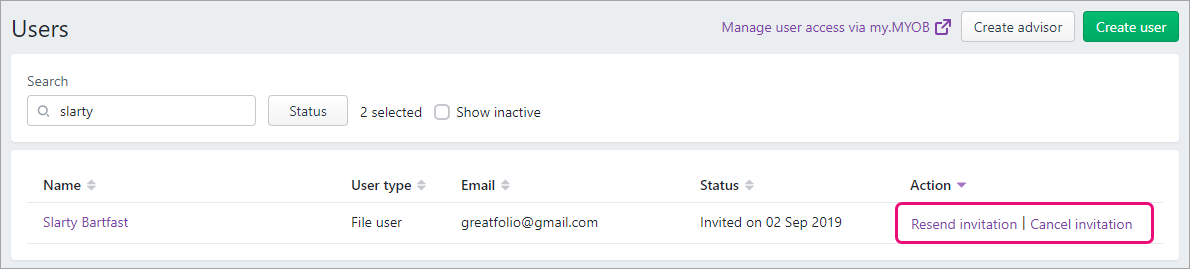
Need to change a user's details or remove them? See Edit and delete users.
Comments
0 comments
Please sign in to leave a comment.